
If you’re applying for data entry, transcription, virtual assistant, or customer support jobs online, you’ll face a typing test. It’s one of the first barriers that blocks many Kenyans from landing these opportunities. But here’s the good news: typing speed is a skill you can improve with free practice.
Why Typing Tests Matter for Online Jobs
Most online employers use typing tests to:
- Verify you can work fast enough to meet deadlines
- Confirm you typed your application yourself (not someone else)
- Predict how productive you’ll be
- Filter out applicants who can’t handle the work pace
Think of it like a driving test - you need to prove competence before getting the job. No amount of nice words in your application matters if you can’t meet the minimum typing speed.
Minimum Typing Speeds Required
Here are realistic speed requirements for common online jobs Kenyans apply for:
Data Entry Jobs: 40-50 WPM (words per minute) minimum, preferably 50-60 WPM
Transcription Work: 60-75 WPM minimum, with 95%+ accuracy
Virtual Assistant Roles: 50-60 WPM for general tasks, 40+ WPM acceptable for some positions
Customer Support (Chat): 45-60 WPM to handle multiple customers efficiently
Content Writing: 50+ WPM helps, but accuracy and writing skills matter more
Executive Assistant: 60+ WPM typically expected
WPM means “words per minute” - most tests calculate this as 5 characters = 1 word.

Free Typing Test Sites (No Registration Needed)
TypingTest.com - The most popular site for job-related typing tests
- 1, 3, and 5-minute test options
- Shows both speed and accuracy
- Many employers accept screenshots from this site
- Mobile-friendly
10FastFingers.com - Quick 1-minute tests
- Simple, clean interface
- Works well on slow internet
- Good for daily practice
- Shows global rankings (motivating!)
Typing.com - Best for learning and improving
- Structured lessons from beginner to advanced
- Tracks your progress over time
- Free typing games for practice
- Good for complete beginners
MonkeyType.com - Modern, customizable tests
- Very smooth typing experience
- Different test lengths
- Dark mode available (saves battery)
- Popular with younger users
Keybr.com - Scientific approach to learning
- Adapts to your weak keys
- Focuses on problem areas
- Shows detailed statistics
- Best for systematic improvement
How Typing Tests Are Scored
Two metrics matter:
WPM (Words Per Minute) - Your raw speed. Higher is better.
Accuracy - Percentage of characters typed correctly. Most employers want 95%+ accuracy.
Some sites calculate “Adjusted WPM” or “Net WPM” - this subtracts errors from your raw speed. That’s often the number employers care about most.
Example: If you type 60 WPM with 90% accuracy, your adjusted WPM might be around 50 WPM.
Common Typing Test Formats
Timed Tests - Type a passage for 1-5 minutes. Most common format.
Accuracy Tests - Type text with minimal errors, speed matters less.
Live Monitored Tests - Webcam watches you type (for serious positions). Can’t use tricks or help.
Integrated Platform Tests - Built into job application systems (Upwork, Rev, TranscribeMe, etc.)
How to Improve Your Typing Speed
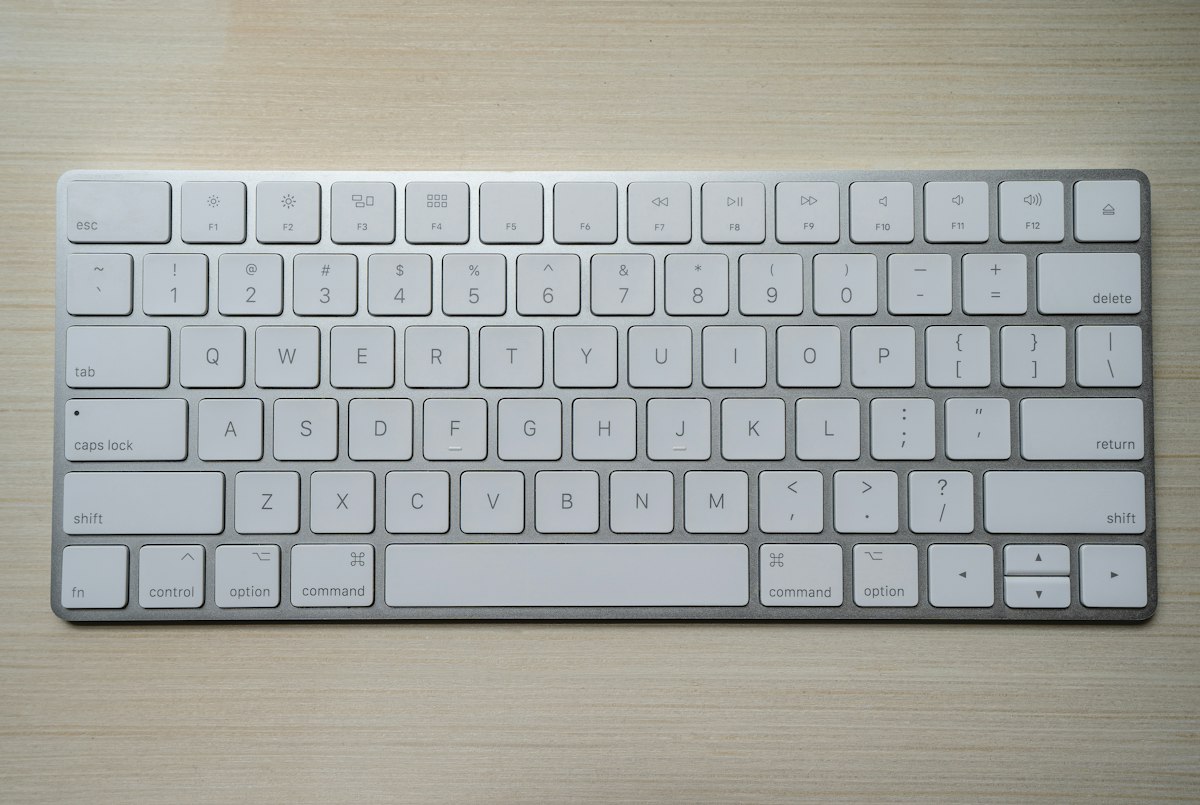
Start with proper finger placement - Learn “home row” position: ASDF (left hand), JKL; (right hand). Everything else flows from this.
Practice daily - 15-30 minutes daily beats 3-hour weekend sessions.
Use typing tutors, not just tests - Typing.com and Keybr teach proper technique, not just speed.
Focus on accuracy first - Speed comes naturally once you’re accurate. Rushing leads to mistakes.
Type real content - Practice with articles, emails, or transcripts, not just random text.
Don’t look at the keyboard - Cover your keyboard with cloth if needed. Force yourself to touch-type.
Practice common words - Most online work involves typing common English words repeatedly.
Use all fingers - Don’t just use two fingers. Proper technique uses all ten.
Realistic Timeline to Improve
If you’re starting from scratch or typing slowly:
Week 1-2: Learn proper finger placement. Expect frustration. Speed: 15-25 WPM.
Week 3-4: Build muscle memory. Less thinking, more flow. Speed: 25-35 WPM.
Month 2: Accuracy improves, speed follows. Speed: 35-45 WPM.
Month 3: Hitting job-ready speeds for entry-level work. Speed: 45-55 WPM.
Month 4-6: Professional speeds with consistent practice. Speed: 55-70 WPM.
Most Kenyans can reach 50 WPM within 2-3 months of daily 20-minute practice.
Tips for Taking Actual Job Typing Tests
Use a proper keyboard - Phone typing doesn’t count. Borrow a computer if needed.
Test your setup first - Do a practice test on the same computer/keyboard you’ll use for the real test.
Choose the right test length - 1-minute tests are harder (less time to recover from mistakes). 3-minute tests are more accurate reflections of real work.
Don’t rush the first few sentences - Start steady, build rhythm, then increase speed.
Skip words you’ll mistype - On some tests, it’s better to skip a difficult word than break your flow and accuracy.
Take the test when alert - Morning usually best, not late evening when tired.
Close distractions - No music, TV, or notifications during the test.
Breathe normally - Tension slows you down. Stay relaxed.
Common Mistakes That Slow You Down
Looking at keyboard - Breaks rhythm and speed. Force yourself to look at screen only.
Using wrong fingers - Two-finger typing has a speed ceiling around 35-40 WPM. Won’t reach 50+ WPM without proper technique.
Correcting every mistake - On some tests, it’s faster to continue than to backspace repeatedly.
Practicing only tests - Tests measure progress, but lessons build skill. Do both.
Inconsistent practice - 15 minutes daily beats 2 hours once a week.
Data-Friendly Practice Methods
Download offline typing tutors - Typing Master (trial version) or GNU Typist work without internet.
Use free WiFi spots - Practice at libraries, cybercafes (ask to use keyboard for practice), or free WiFi zones.
Screenshot lessons - Take photos of typing lessons, practice offline, return to check progress.
Focus on short sessions - 10-15 minute practice uses less data than hour-long sessions with constant loading.
Which Online Jobs Actually Check Typing
Always require typing tests:
- Data entry positions
- Transcription (Rev, TranscribeMe, GoTranscript)
- Virtual assistant roles
- Customer support chat positions
Sometimes require tests:
- Content writing (some platforms)
- Social media management
- Email management roles
Rarely require tests:
- Graphic design
- Programming
- Video editing
- Consulting work
Free Typing Certificates
Some sites offer free certificates you can add to your resume:
Typing.com - Free certificate after completing courses
Ratatype - Free certificate after passing their test
TypingClub - Offers achievement certificates
These aren’t universally accepted by employers, but they show effort and can strengthen beginner applications.
Real Talk: Is 40 WPM Enough?
Yes, for starting out. Many entry-level online jobs accept 40-45 WPM if you have other skills.
But 50+ WPM opens significantly more opportunities and higher-paying work.
70+ WPM puts you in top tier for typing-heavy jobs and justifies higher rates.
Your First Practice Session Today
Right now:
- Go to TypingTest.com or 10FastFingers.com
- Take a 1-minute test to know your current speed
- Sign up for Typing.com (free)
- Complete their first 3 lessons (20 minutes total)
- Set a phone reminder for daily 15-minute practice
That’s it. Don’t overthink it. The only way to improve typing is to type more.
Three months from now, when you’re typing at 50+ WPM and landing your first online jobs, you’ll thank yourself for starting today. Every successful remote worker in Kenya went through the same learning process. Your turn.